Corrugated
Folding tray with lock corners
Corrugated folding tray: bottom, front and back walls with corner flaps, double end walls with lock corners; no gluing.
Opens the online editor with this template. Try it without payment details; export with Pro.
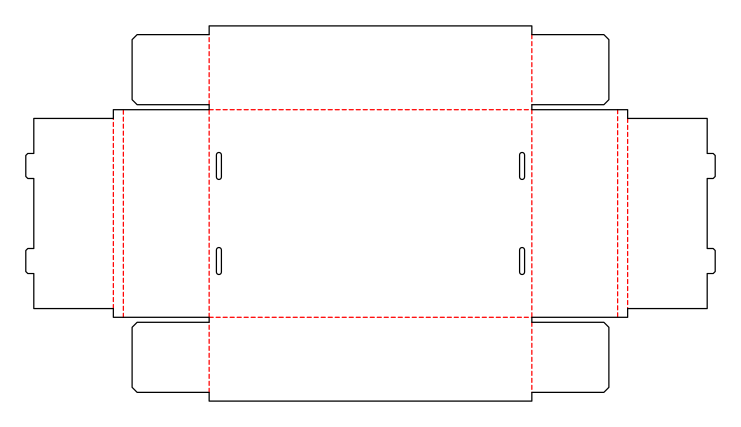
- Template
- Folding tray with lock corners
- Category
- Corrugated
- Dimension reference
- Inside dimensions
- Default dimensions
- 300 × 200 × 80 mm
- Parameters
- 7
- Version
- v2
- Template ID
- corrugated.tray
Dimensions and limits
Default dimensions of the template and the permitted range in mm.
| Dimension | Default | Range |
|---|---|---|
| Length | 300 mm | 60–600 mm |
| Width | 200 mm | 60–600 mm |
| Height | 80 mm | 20–250 mm |
Parameters of this construction
7 parameters with default value and limits, adjustable in the editor.
| Parameter | Default | Range | Note |
|---|---|---|---|
Rim widthrimWidth | 10 mm | 4–20 mm | Width of the double wall's foldover (crease to crease); accommodates the flaps in the pocket. |
Flap gapflapGap | 5 mm | 1–12 mm | Gap between neighboring flaps or walls; at least approximately the material thickness. |
Ear length (ratio)earRatio | 80 % | 50–95 % | Length of the ears or corner flaps as a ratio of half the inside width. |
Number of lock tabslockTabCount | 2 | 1–4 | Number of locking tabs per wall. |
Lock tab widthlockTabWidth | 25 mm | 10–60 mm | Width of a locking tab. |
Lock tab depthlockTabDepth | 8 mm | 3–15 mm | How far a locking tab protrudes; at least material thickness plus clearance. |
Bottom slot widthslotWidth | 5 mm | 1–10 mm | Width of the slots in the base for the locking tabs; at least the material thickness, with clearance from the crease. |
Assembly
Erect the front and back walls and fold the corner flaps inward. Erect the end walls over them, fold the turn-in inward so the corner flaps sit in the pocket, and insert the locking tabs into the bottom slots.
Grain direction
Grain direction vertical on the blank (check)
Reference note
Reference classification still pending
Labels such as “similar to FEFCO” or “ECMA family, unconfirmed” are for orientation only. The templates are our own constructions; an assignment to a standard code is unconfirmed and not a trademark claim.
Frequently asked questions about this template
Does the tray need a glue flap?
No. The corner flaps sit in the pockets of the double end walls. The inner wall tabs lock into the bottom. This structure replaces corner gluing in this template. Check engagement and wall alignment on the target material; the calculated blank alone confirms neither retention force nor load capacity.
What changes with V2?
V2 uses a 10 mm turn-in width and 5 mm bottom slot width instead of the starting values of 8 mm and 6 mm in V1. The catalog states that this removes the crease spacing finding MFG-005 in the starting example. Warnings at locking tab roots remain possible. Explicitly use the same template version and material profile when comparing.
Can I add more locking tabs?
lockTabCount offers one to four locking tabs per wall. More tabs require space, as do their width and spacing. lockTabWidth.fitsInnerWall checks this combination. Change count and width together and check on the sample that all tabs engage the bottom slots simultaneously without deformation.
Why can't the bottom slot be arbitrarily wide?
The slot must accommodate material thickness while maintaining clearance from the wall crease. slotWidth.materialMinimum.caliper and slotWidth.atMost.clearOfHinge check both limits. Simply increasing slot width can weaken the lock. Check tab fit at the selected turn-in width on the real corrugated blank.
Related templates
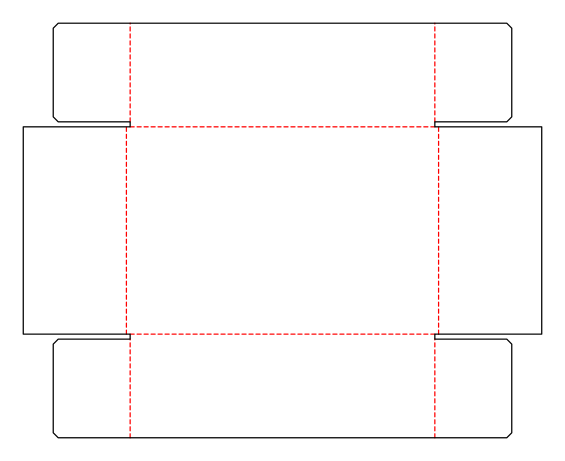 CorrugatedCorrugated telescope box2 × corrugated
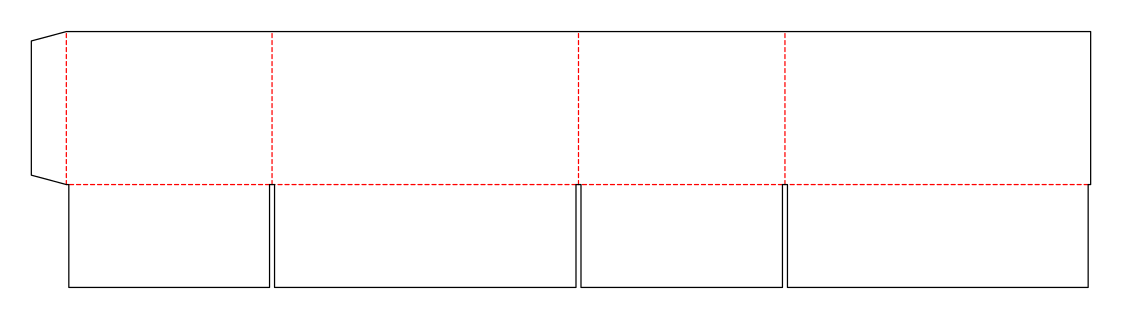 CorrugatedHalf slotted containercorrugated.halfslotted
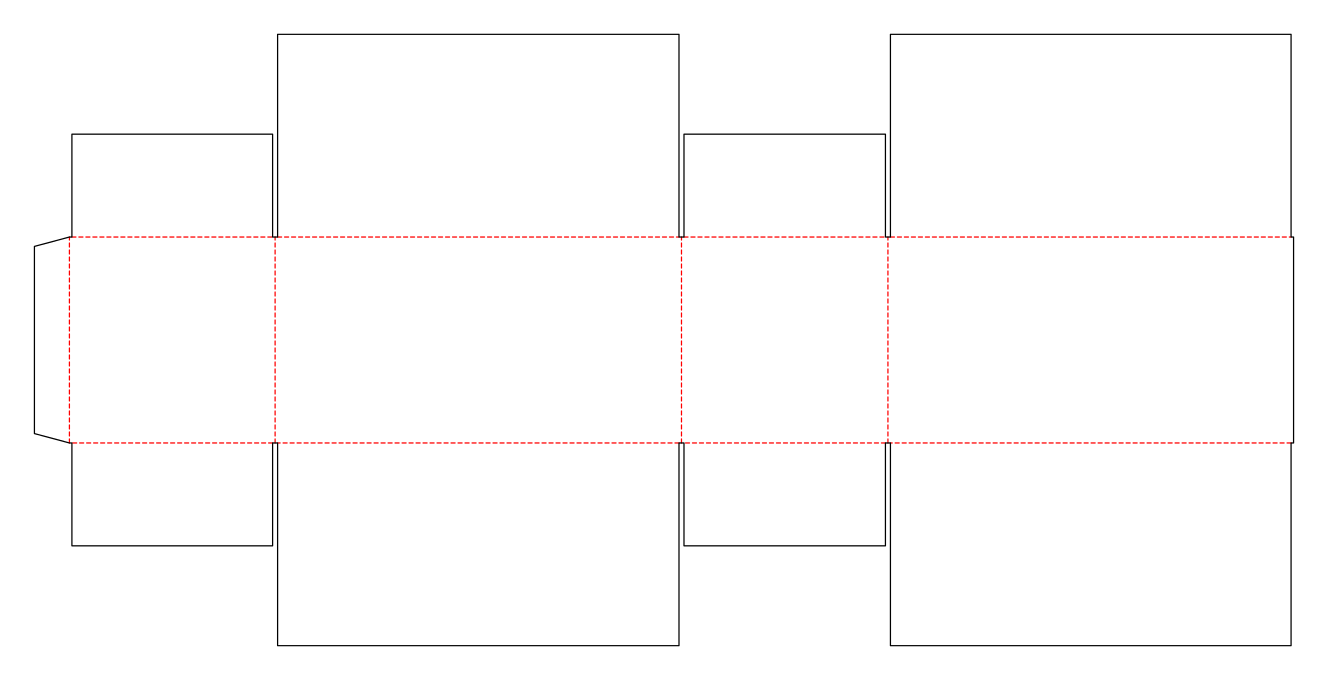 CorrugatedFull overlap slotted containercorrugated.rsc.fulloverlap
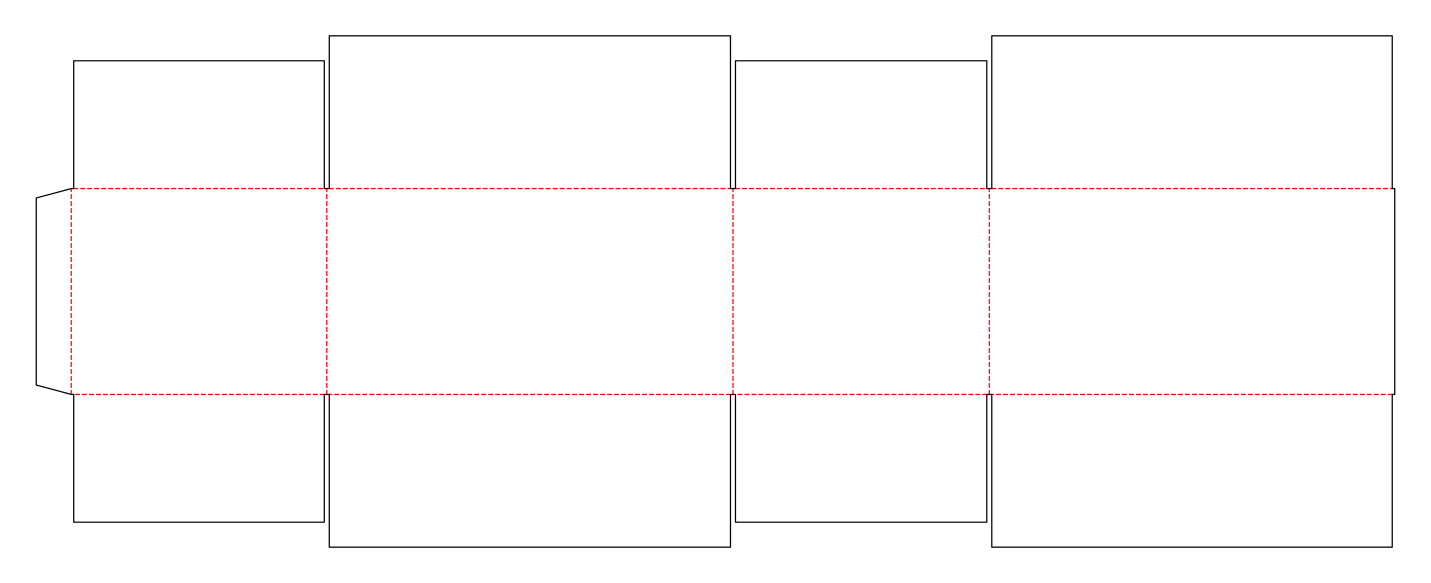 CorrugatedOverlap slotted containercorrugated.rsc.overlap.outer
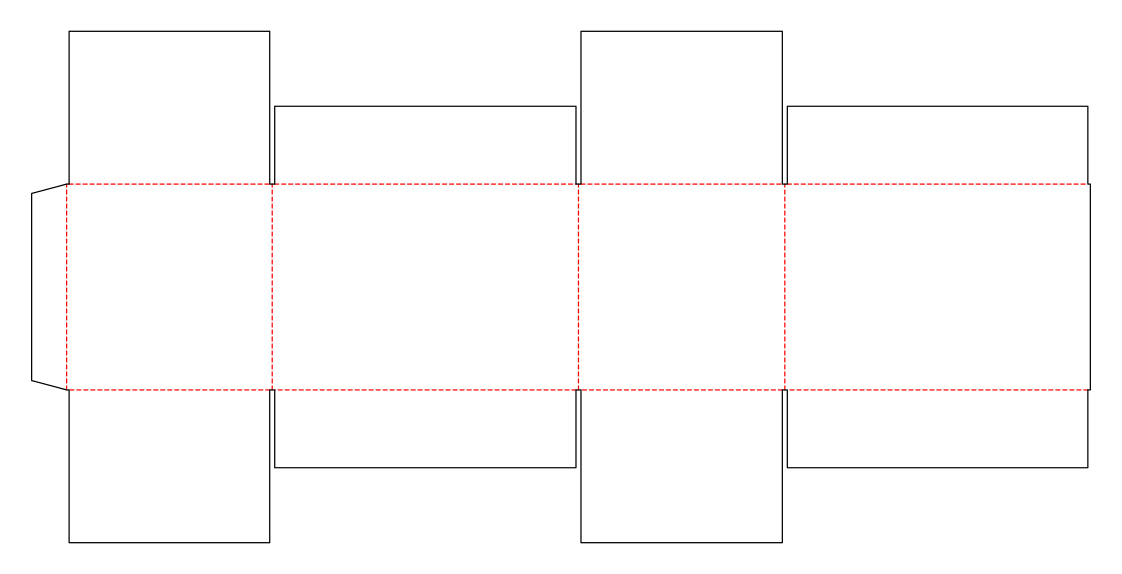 CorrugatedSlotted container with meeting inner flapscorrugated.rsc.innerfull
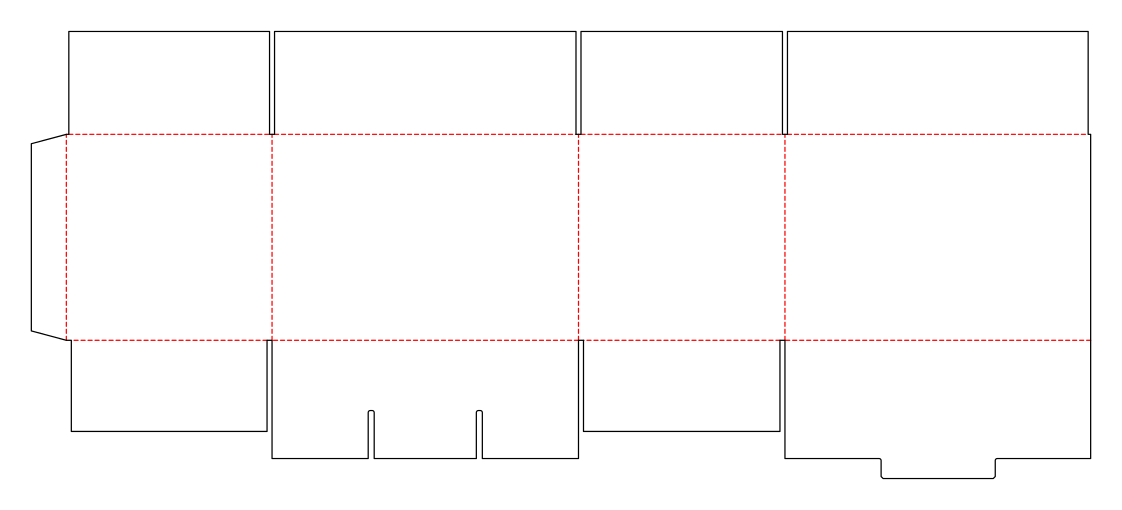 CorrugatedSlotted container with snap-lock bottomcorrugated.rsc.mixed
Customise the Folding tray with lock corners in your browser
Set dimensions and material, review findings and export print-ready as PDF, SVG or DXF.