Labels
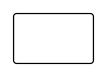
Rectangular label
Rectangular label with selectable corner radius; dieline with bleed and safety zone from the production profile.
Opens the online editor with this template. Try it without payment details; export with Pro.
- Template
- Rectangular label
- Category
- Labels
- Dimension reference
- Nominal size
- Default dimensions
- 80 × 50 × 3 mm
- Parameters
- 0
- Version
- v1
- Template ID
- label.rect
Dimensions and limits
Default dimensions of the template and the permitted range in mm.
| Dimension | Default | Range |
|---|---|---|
| Width | 80 mm | 10–300 mm |
| Height | 50 mm | 10–300 mm |
| Corner radius | 3 mm | 0–∞ mm |
Assembly
Peel the label from the backing material and apply it from the center outward without bubbles.
Grain direction
No fixed grain direction; check parallel to the body axis on curved bodies
Reference note
Reference classification still pending
Labels such as “similar to FEFCO” or “ECMA family, unconfirmed” are for orientation only. The templates are our own constructions; an assignment to a standard code is unconfirmed and not a trademark claim.
Frequently asked questions about this template
Is 80 × 50 mm the print size including bleed?
No. Width and height describe the finished size at the cut edge. Bleed and safety margin come from the production profile. Extend backgrounds to the bleed and keep important content within the safety zone; confirm both allowances with the manufacturer carrying out the work.
Can I choose sharp corners?
Yes, a corner radius of 0 creates a rectangular outline without rounding. Outside dimensions remain unchanged. The corner choice affects the outline and its cut length. Check the production partner's tooling capabilities before approving the finished size.
Why does a large corner radius fail?
The dimension model allows no more than half the shorter side. With larger radii, the four arcs no longer fit geometrically inside the chosen rectangle. Construction stops; the template does not silently reduce the radius. Deliberately change the radius or finished size.
Does the rectangular label have a sheet grid?
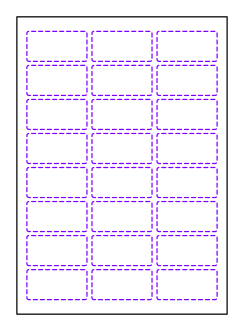
This template describes a single label. A grid with multiple labels on a backing sheet belongs to the label sheet template. There, shape, cell dimensions, spacing, and margins are set separately; labels receive kiss-cut lines instead of a single outer outline.
Related templates

Customise the Rectangular label in your browser
Set dimensions and material, review findings and export print-ready as PDF, SVG or DXF.